
Intramural Sports
Throughout the semester, NMSU University Recreation Intramural Sports will offer a variety of leagues, single-day events, and tournaments that give students fun, competitive, and inclusive ways to get involved. Our Intramural Sports program offers a variety of league formats, including Men’s, Women’s, and Co-Rec, giving participants the flexibility to compete in the format that best suits them.
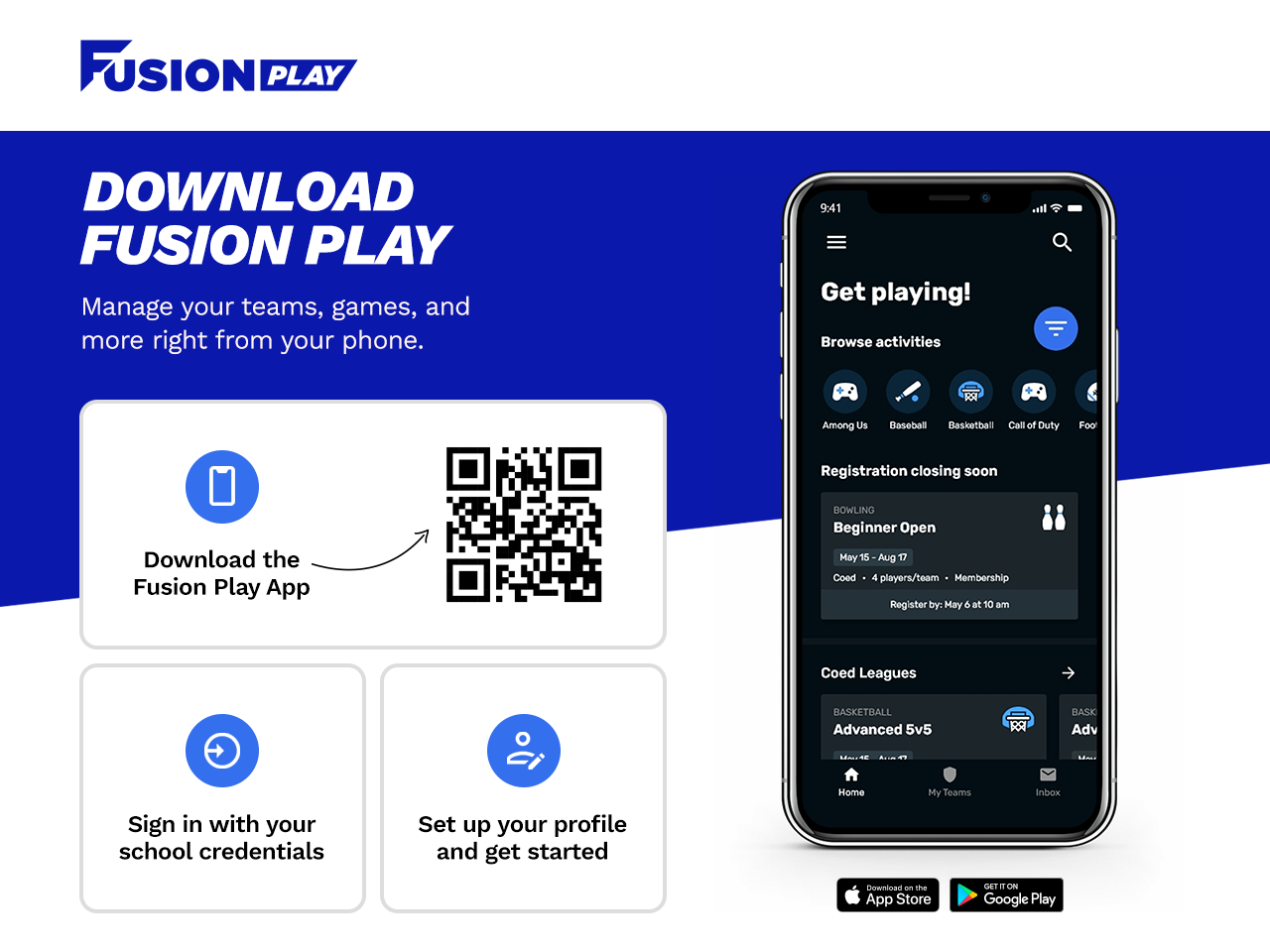
To register and participate in Intramural Sports, participants must download the Fusion Play App. The app includes registration, schedules, game information, and other important details for Major and Minor activities.
- Team Captains must attend the MANDATORY captain meeting: Activity Center Room 201
- Must be either a Full-time or Part-Time Student with an AggieFit Membership, a DACC Student with an AggieFit Membership, or a B-Com Student to be eligible to participate in Intramural Sports.
- Read and Review the Intramural Sports Policies and Procedures
Burrell College Student FusionPlay Registration
Burrell College students must complete the following steps to access NMSU University Recreation Intramural Programs through FusionPlay.
Step 1: Create Your Fusion Profile
Burrell College students must create their Fusion profile in person at the NMSU Activity Center before creating a FusionPlay membership.
Please visit the Activity Center and speak with the front desk staff for assistance creating your Fusion profile.
Step 2: Create Your FusionPlay Account
After creating your Fusion profile, you can create your FusionPlay account.
When creating your FusionPlay account:
- Enter the organizational code BURL26 when prompted.
- When NMSU appears, select "Other Sign-Up Options."
- Choose either Google or Apple to create your account.
- Log in using your selected Google or Apple account.
- Select "Get Started."
- Complete all required information to finish creating your FusionPlay account.
Step 3: Access Intramural Sports
Once your FusionPlay account has been created, you can use FusionPlay to view and register for NMSU University Recreation Intramural Programs.
Through FusionPlay, you can:
- View available Intramural Sports
- Join or create a team
- Register for Intramural Sports
- View schedules and game information
- Follow your team's activities and results
Important: Your Fusion profile must be created in person at the NMSU Activity Center before you can create your FusionPlay account.
Need Assistance?
If you need help creating your Fusion or FusionPlay account, please visit the NMSU Activity Center or contact the Competitive Sports Coordinator for assistance.
Fall 2026 Major Sports Schedule
| Sport | Date Range | Days | Time | Courts/Fields |
| Soccer | Aug. 31 - Oct. 01 | Monday - Wednesday | 5:30 pm - 10:30 pm | Field 2 |
| Volleyball | Aug. 31 - Oct. 01 | Monday - Thursday | 5:30 pm - 10:30 pm | Courts 1 & 3 |
| Flag Football | Oct. 19 - Nov. 18 | Monday - Wednesday | 5:30 pm - 10:30 pm | Fields 1 and 2 |
Fall 2026 Minor Sports Schedule
| Sport | Date Range | Days | Time | Courts/Fields |
| Pickleball | Oct. 5 - Oct. 8 | Monday - Thursday | 5:30 pm - 10:30 pm | Courts 1 and 3 |
| Kickball | Nov. 30 - Dec. 3 | Monday - Thursday | 5:30 pm - 10:30 pm |
Field 4 |
| Wiffleball | Nov. 30 - Dec. 3 | Monday - Thursday | 5:30 pm - 10:30 pm | Courts 1 and 3 |
Fusion Play App
All IM participants must download the Fusion Play app to:
- Sign up for teams
- Check schedules
- Track tournament results
Need help with Fusion Play? Watch short tutorials here.